
Skip to content
Tidewater Techs LLC
Services
All services Managed IT Services Cybersecurity & Compliance Technology Strategy & vCIO Networking & Infrastructure Business Communications Video Surveillance Software Development, Web & Hosting
Solutions Industries Clients About Contact

Tech Tips

Disable the Public Wi-Fi Hotspot Feature on Your Comcast Router

June 3, 2014 · Michael Cole

With my service expansion out to Downtown Suffolk, Courtland and Emporia, I have enjoyed the pleasure of dealing with Charter and now Comcast services for internet. Comcast provides this free (to existing Comcast clients) wifi hotspot service at all Comcast internet locations. However, this free service comes at a cost. You cannot use the router for outside access to the network and it shares your bandwidth with whoever happens to be standing or driving nearby.

Log in at http://customer.comcast.com, then click My Account > Users & Preferences in the top navigation bar, and under your service address, click the “Manage XFINITY WiFi” link.
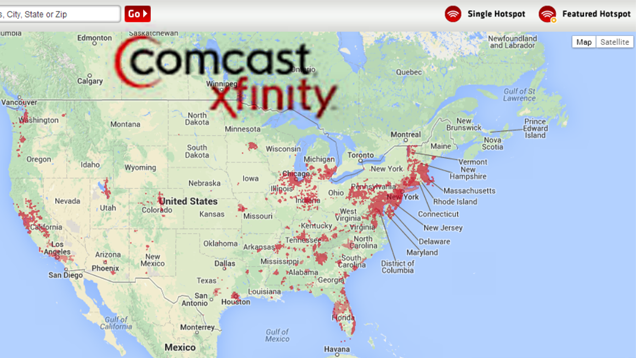
comcast-xfinity

Thanks to lifehacker for sharing the original article

3324 Virginia Beach Blvd, Suite 102
Virginia Beach, VA 23452

Services

  • Managed IT Services
  • Cybersecurity & Compliance
  • Technology Strategy & vCIO
  • Networking & Infrastructure
  • Business Communications
  • Video Surveillance
  • Software Development, Web & Hosting

Talk

  • 757.301.1789
  • support@tidewatertechs.com
  • New business

Clients

  • Quick Support
  • Client documents
  • Support
© 2026 Tidewater Techs LLC Privacy policy Terms and conditions Credits LinkedIn Facebook